How we got live translation under 700 ms
The budget is the hard part, not the model
Everyone assumes speech translation latency is a model problem: pick a faster recognition engine, a faster translation model, a faster voice, and the number goes down. On FluenSync, our real-time speech-to-speech translation product across web, iOS and Android, model swaps mattered less than we expected. What actually got us under 700 milliseconds across 14 or more languages was the pipeline architecture around the models.
Chunking speech before it finishes
The naive approach waits for a pause, sends the full utterance to recognition, then translation, then synthesis. Each stage waits for the last one to finish, and the pauses alone eat the budget before a single word is processed. We stream fixed-size audio chunks to recognition as they arrive instead, and let it emit partial transcripts continuously. Translation starts on stable segments the recognizer will not revise, without waiting for a final transcript. Most of the budget gets recovered here, not from any single model running faster.
Where the connection lives
All three stages sit behind one WebSocket connection per session instead of three separate calls. A WebSocket skips the setup cost of a new connection per chunk, and lets us push partial results to the client the moment they exist rather than waiting for the client to poll. On mobile, the same connection carries audio up and synthesized speech back down, so there is one round trip to budget for, not several.
The budget we actually track
- Capture and chunking on device: a small fixed slice, not the whole utterance.
- Network up: one WebSocket frame, not a new connection per chunk.
- Recognition on a stable segment: return as soon as it will not be revised.
- Translation on that segment: small enough input to keep model latency predictable.
- Synthesis: start generating audio for a segment before the next one finishes translating.
- Network down and playback: streamed, not delivered as one file at the end.
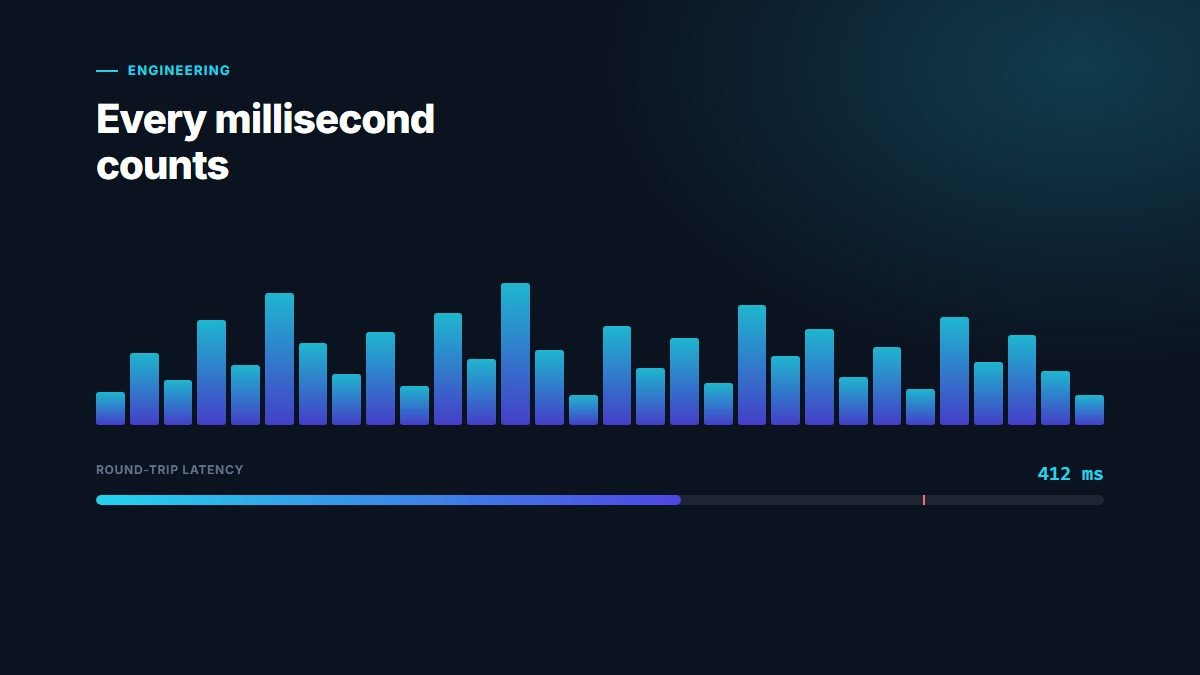
Each stage has its own millisecond target, and we measure them separately rather than only the end-to-end number, because one slow stage disappears into an average but stays very visible to the person waiting.
Handling the network, not just the pipeline
A pipeline that is fast on a stable connection still fails in the field if it assumes the network never hiccups. Mobile connections drop frames, reorder packets and stall mid-sentence. We run a small jitter buffer on the client to absorb short gaps without stalling playback, and we encode audio with a codec built for low bandwidth rather than one tuned for file size. When the WebSocket drops mid-session, the client reconnects and resumes rather than starting over, so a brief interruption costs a stutter, not a restart from silence. None of this shows up in a latency number measured on a lab network, but it decides whether the 700 millisecond budget holds on a phone on a moving train.
What we chose not to do
We did not chase the fastest model in isolation, because a marginally faster model that waits for a full utterance loses to a slightly slower one that can start on a partial segment. We also did not try to get ahead by guessing speculative continuations, because a wrong guess costs more to correct out loud than the latency it might save. The gains came from removing idle waiting between stages, not from speeding up any one stage alone.
What we would tell a team building this
Profile the pipeline stage by stage before optimizing any single model. Stream everything that can be streamed. Treat the connection itself as part of the latency budget, not just the models behind it. On a real-time speech product, what people notice is not the speed of any one stage. It is the sum of every point where one stage waited for another to fully finish first.